Emulating the Classics: A Guide to Playing DOS Games Today
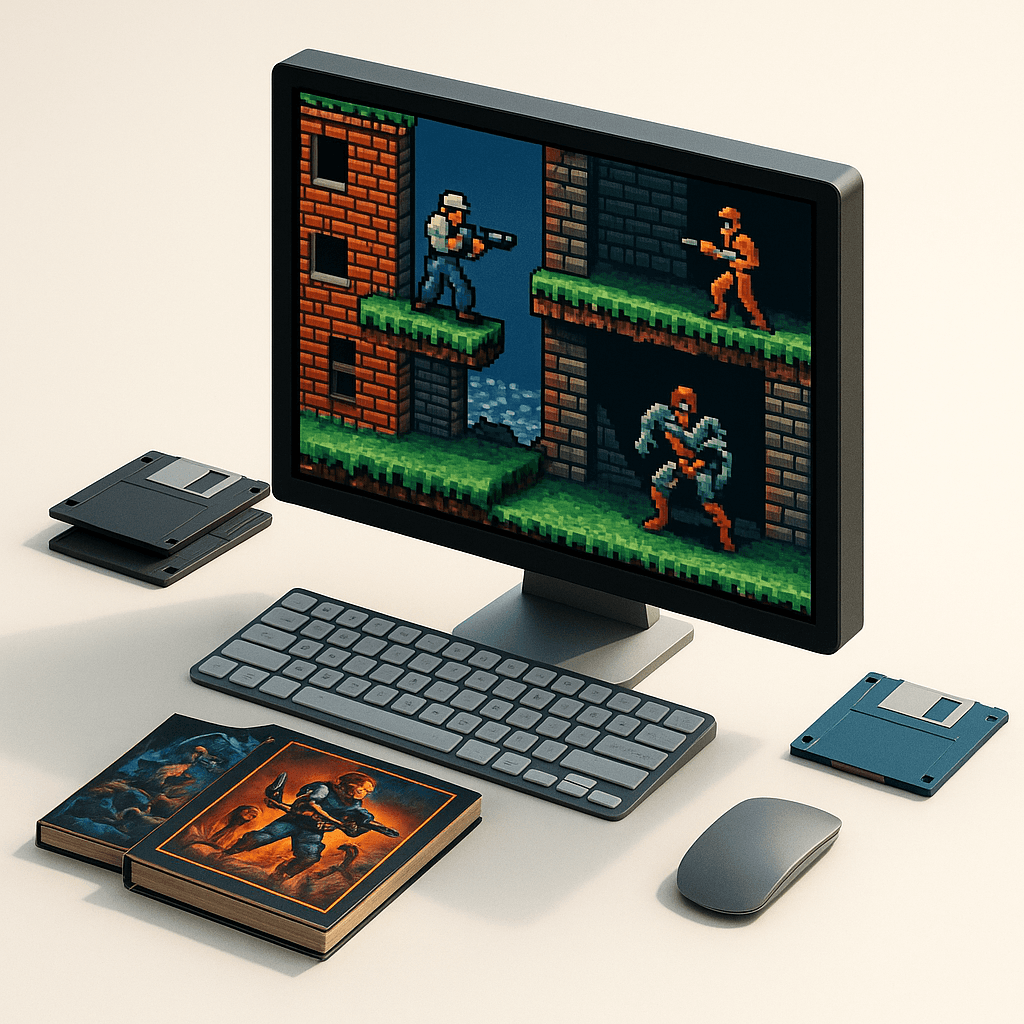
There’s something undeniably magical about revisiting classic DOS games. These relics of a bygone era offer a unique window into the past, where creativity and innovation knew no bounds. Whether you’re reliving childhood memories or exploring these gems for the first time, learning how to play DOS games on modern systems opens up a treasure trove of fun. Let’s dive into the world of DOSBox, browser-based emulators, and the communities that keep this retro gaming spirit alive.
Must-Play DOS Classics for New Explorers
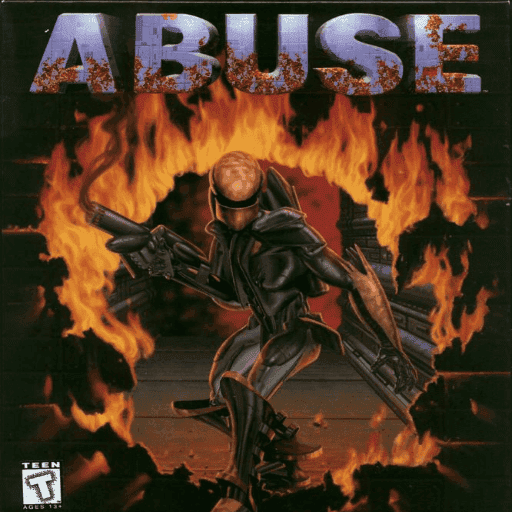
For those just stepping into the world of DOS gaming, starting with the right titles can make all the difference. Abuse, developed by Crack dot Com, is a great choice for action enthusiasts. This game blends fast-paced shooting with strategic navigation, reminiscent of the intensity found in classics like Doom. If strategic battles in frozen landscapes intrigue you, Arctic Baron offers an unforgettable experience. Each game provides a unique peek into the innovative design of the 90s, ensuring that you experience the best of what DOS gaming has to offer.
Setting Up DOSBox: Your Gateway to Retro Gaming
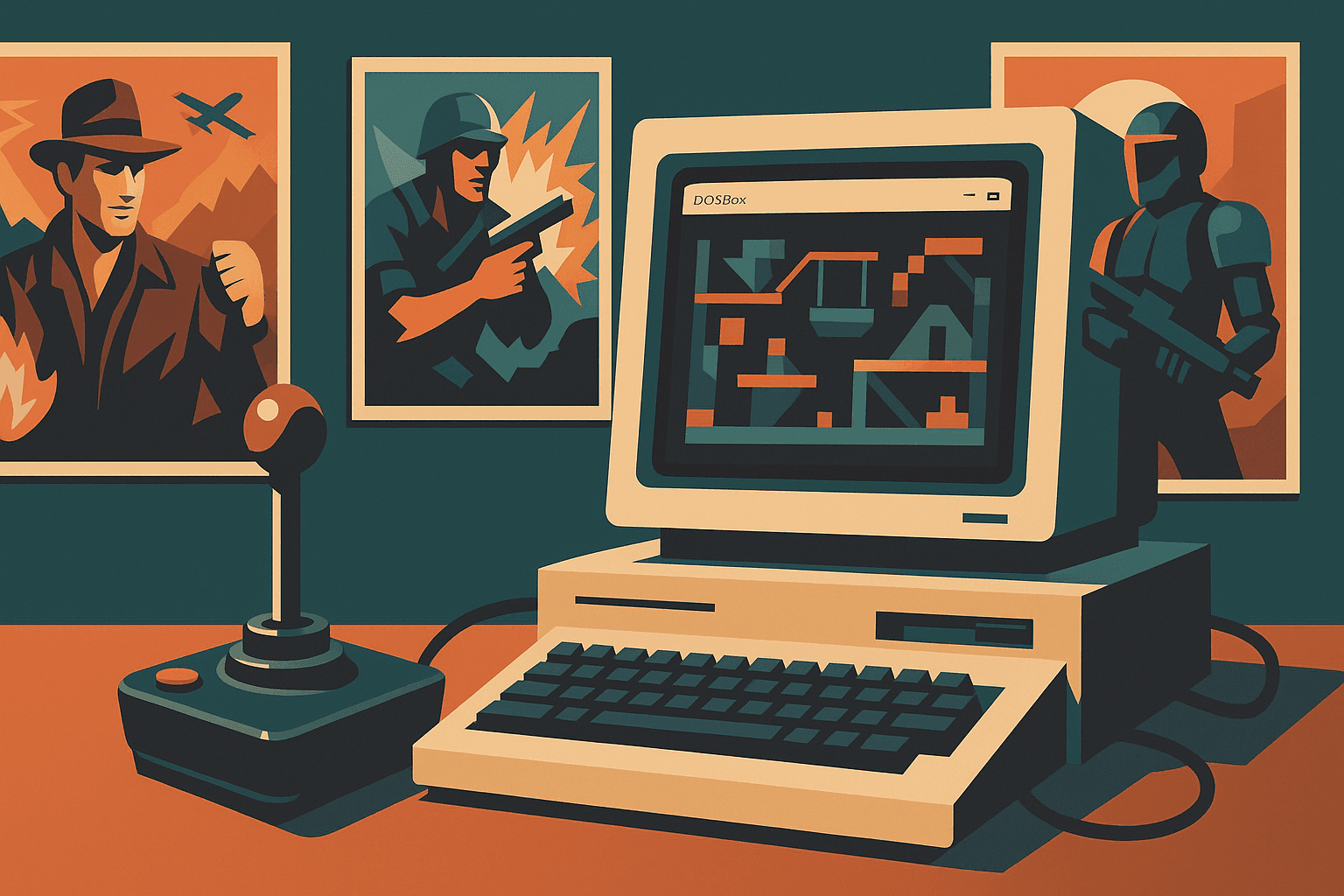
To bring those classic experiences to life on modern hardware, DOSBox is an emulator you’ll want to master. Start by downloading the latest version from the official DOSBox website. Installation is straightforward, akin to any modern software. Once installed, configure the DOSBox.conf file to specify virtual drives and adjust settings to suit your preferences. This includes assigning a mount point for your game directories, mimicking the experience of inserting a floppy disk from back in the day. For those new to command-line interfaces, don’t worry; DOSBox’s documentation is detailed and user-friendly, easing you into the process.
Browser-Based Emulation: Quick and Easy
If you’re looking for an even quicker setup, browser-based emulators offer an accessible alternative. Websites like the Internet Archive’s Software Library provide instant access to a vast collection of DOS games. Simply navigate to the game of your choice, click ‘play,’ and immerse yourself in the nostalgia. These platforms emulate games within your browser, requiring no downloads or installations. While this method is perfect for casual play, be aware that performance can vary based on your internet speed and browser capabilities.
Overcoming Emulation Hurdles: Common Issues and Fixes
While emulating DOS games, common issues can arise, such as sound problems or graphics glitches. Often, these are resolved by tweaking configurations in DOSBox. For instance, choppy sound may require adjusting the CPU cycles in the configuration file, while graphical bugs could necessitate switching the output mode. Additionally, keep an eye on compatibility lists for each game, as some might require specific tweaks. Community forums are invaluable resources, offering solutions and shared experiences from fellow DOS enthusiasts who have faced similar challenges.
Enhancing Your DOS Gaming Setup
To truly enjoy these retro treasures, optimizing your setup is key. Adjusting DOSBox’s settings can greatly enhance the experience. Consider using external controllers for a more authentic feel or upscale graphics for modern displays without compromising the original aesthetic. Exploring shaders and filters can also add a fresh twist to classic visuals. The goal is to create an environment that feels as immersive as possible, letting the essence of each game shine through.
Connecting with the DOS Gaming Community
Engaging with communities dedicated to DOS gaming can enrich your experience. Forums such as DOS Games Community and niche Facebook groups offer a wealth of knowledge, from game recommendations to technical advice. These spaces are not only perfect for troubleshooting but also for sharing the joy of rediscovering these classics with like-minded individuals. Whether you’re a nostalgic veteran or a curious newcomer, the community is a welcoming place filled with passion and camaraderie.
By emulating these classic DOS games, you’re not just playing a game; you’re stepping into a piece of history, reliving the innovation and creativity of yesteryears. With the tools and tips shared here, you’re well-equipped to explore and enjoy the vast library of DOS games available today. So fire up DOSBox or a browser emulator and let the journey into the past begin!
Related articles
Embark on Retro Adventure: 6 Beginner-Friendly DOS Classics
New to DOS gaming? Discover six easy-to-learn classics that offer a perfect entry point for beginners.
Mastering Dwarf Fortress: Survival Tips for Beginners
Unravel the complexities of Dwarf Fortress with practical survival strategies. Overcome common pitfalls, manage resources wisely, and enjoy the community support.