How to Play Classic DOS Games in Your Browser
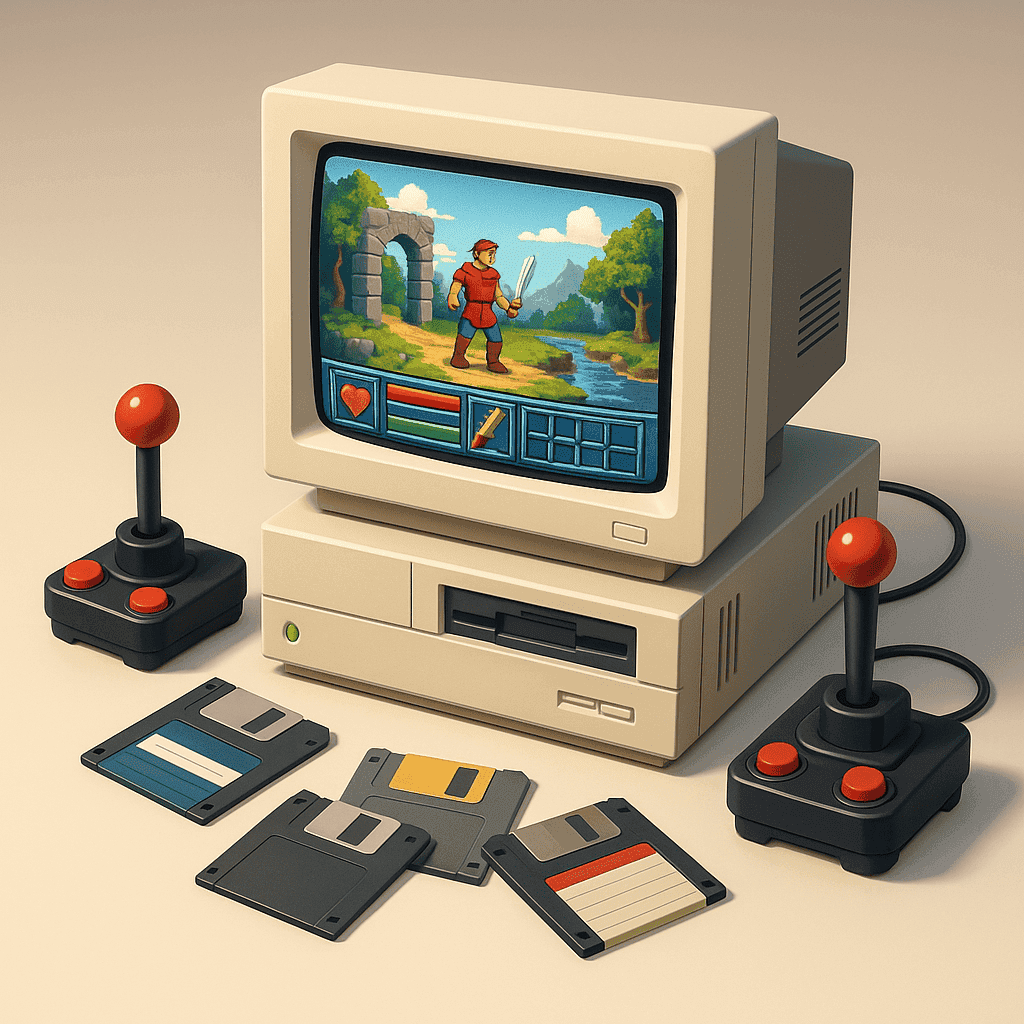
There’s a certain charm to retro gaming, and DOS games are a big part of that nostalgia. Whether you’re diving back into the adventures of your youth or discovering them for the first time, the good news is that playing these classic games has never been easier. Thanks to advancements in browser-based emulators, anyone can enjoy these timeless titles right from their modern devices. Let’s explore how you can relive the glory days of DOS gaming with just a few clicks.
Getting Started: What You Need to Play DOS Games Today
Before you dive into the world of DOS games, you’ll need a few things. Primarily, a modern web browser that supports JavaScript and HTML5 is essential, as many emulators run directly in your browser. Additionally, a stable internet connection ensures smooth gameplay, especially if you’re playing games hosted online.
One popular tool for playing DOS games is DOSBox, a robust emulator that recreates the DOS environment on your current system. We’ll guide you through setting it up so you can start gaming in no time.
How to Set Up DOSBox for Browser Play
Setting up DOSBox might seem daunting, but it’s actually quite straightforward. First, visit the DOSBox website and download the appropriate version for your operating system. Once installed, open DOSBox and configure it by editing the ‘dosbox.conf’ file. This file allows you to adjust settings such as CPU speed and graphics output.
For browser play, you’ll often find pre-configured setups where you simply need to upload or select a game file. Websites hosting DOS games will typically provide a single-click ‘Play Now’ button that launches the game within your browser, using DOSBox’s technology.
Explore These Classic DOS Games First
With your setup ready, it’s time to explore some fantastic DOS games. The Elder Scrolls: Arena is a must-try for RPG fans. As the genesis of the famed series, it offers a sprawling open world and hours of exploration. For those who love strategy, Transport Tycoon Deluxe delivers an engrossing simulation experience with its intricate transport networks and business challenges.
Adventure enthusiasts shouldn’t miss BloodNet, which combines role-playing elements with a gripping cyberpunk narrative. And if you’re looking for something unique, SimAnt offers a quirky simulation of an ant colony that is both educational and entertaining.
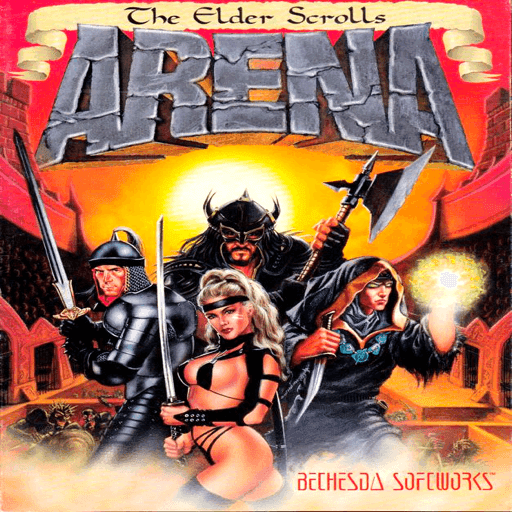
The Elder Scrolls: Arena
Troubleshooting Tips for Smooth DOS Gaming
Even the best setups can run into issues, but fear not—most problems have simple solutions. If your game is running too slowly, try increasing the CPU cycles in DOSBox by pressing Ctrl+F12. Conversely, if it’s too fast, Ctrl+F11 can help slow it down.
Sound issues are also common; ensure that your sound settings in the ‘dosbox.conf’ file match the game’s requirements. Many sites hosting DOS games have forums or FAQs where you can find specific advice on common problems.
Rediscover the Joy of DOS Gaming Today
With the right tools and a bit of patience, the magical world of DOS gaming is at your fingertips. Whether it’s the strategic planning of Transport Tycoon Deluxe or the narrative depth of BloodNet, there’s something for everyone. Share your experiences online and join communities of like-minded enthusiasts who keep the spirit of these classic games alive.

Transport Tycoon Deluxe
Embracing retro gaming is more than just a trip down memory lane; it’s about celebrating the creativity and innovation of a bygone era. By playing these classic DOS games, you not only enjoy the past but also contribute to a vibrant community that values the art of gaming history. So fire up your browser, and let the adventures begin!
Related articles

Oregon Trail Game: Lessons About Survival, Risk, and Decision-Making
Discover what The Oregon Trail teaches about survival, risk, and decision-making. Learn how choices, scarcity, and uncertainty shape outcomes in one of the most iconic educational games ever made.
Mastering Space Quest V: A Beginner’s Guide
Navigate the humor and challenges of Space Quest V with this practical guide for new players.