Mastering DOS Games Today: Play and Troubleshoot with Ease
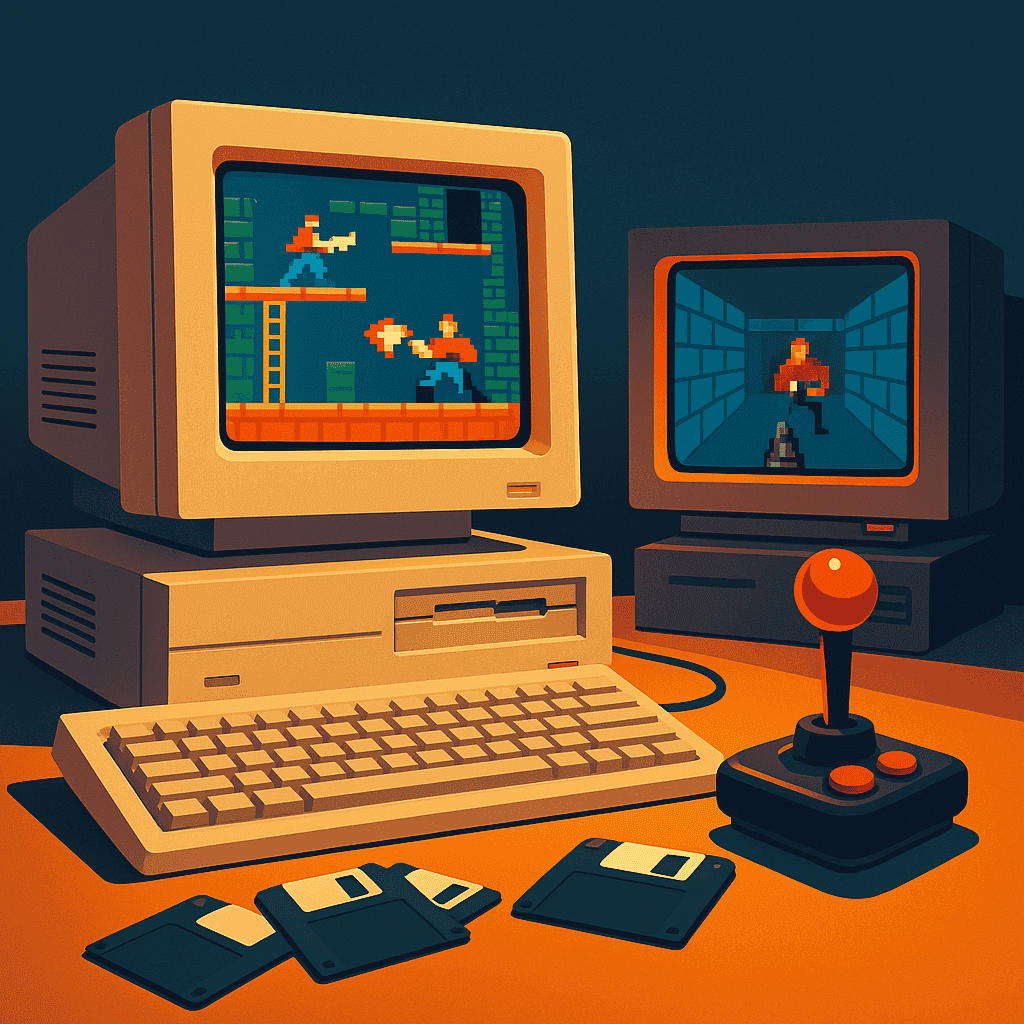
For those who recall the charming bleeps and pixelated graphics of the early PC era, DOS games hold a special place in gaming history. These titles were more than just games; they were adventures, challenges, and stories crafted in a time when creativity thrived despite technological constraints. Today, these classics are not just relics of the past but vibrant experiences waiting to be rediscovered, thanks to modern emulation technology.
DOSBox Setup: Your Gateway to Classic Gaming
DOSBox is an essential tool for anyone looking to play DOS games on modern systems. This emulator replicates the DOS environment flawlessly, allowing you to run your favorite classics without the need for old hardware. To get started, download DOSBox from its official website, install it on your computer, and get ready to configure it for your gaming adventures.
Once installed, you’ll need to mount a directory as your DOSBox C: drive. This can be done by typing mount c c:/dosgames into the DOSBox terminal, replacing the path with the location of your game files. This step is crucial for accessing and running your DOS games seamlessly.
Playing DOS Games in Your Browser: Simplicity at Its Best
If installing and configuring software seems daunting, fear not! Playing DOS games in your browser is a simple, hassle-free alternative. Websites host emulators that allow you to launch games with a single click. These platforms have made it possible to enjoy classics like Abuse or Castle Wolfenstein directly from your browser, combining convenience with nostalgia.
To play, simply visit a reliable site, select your game, and start playing! Be sure to have a stable internet connection for the best performance. Browser-based gaming offers a fantastic solution for those looking to dive into DOS games without any setup fuss.
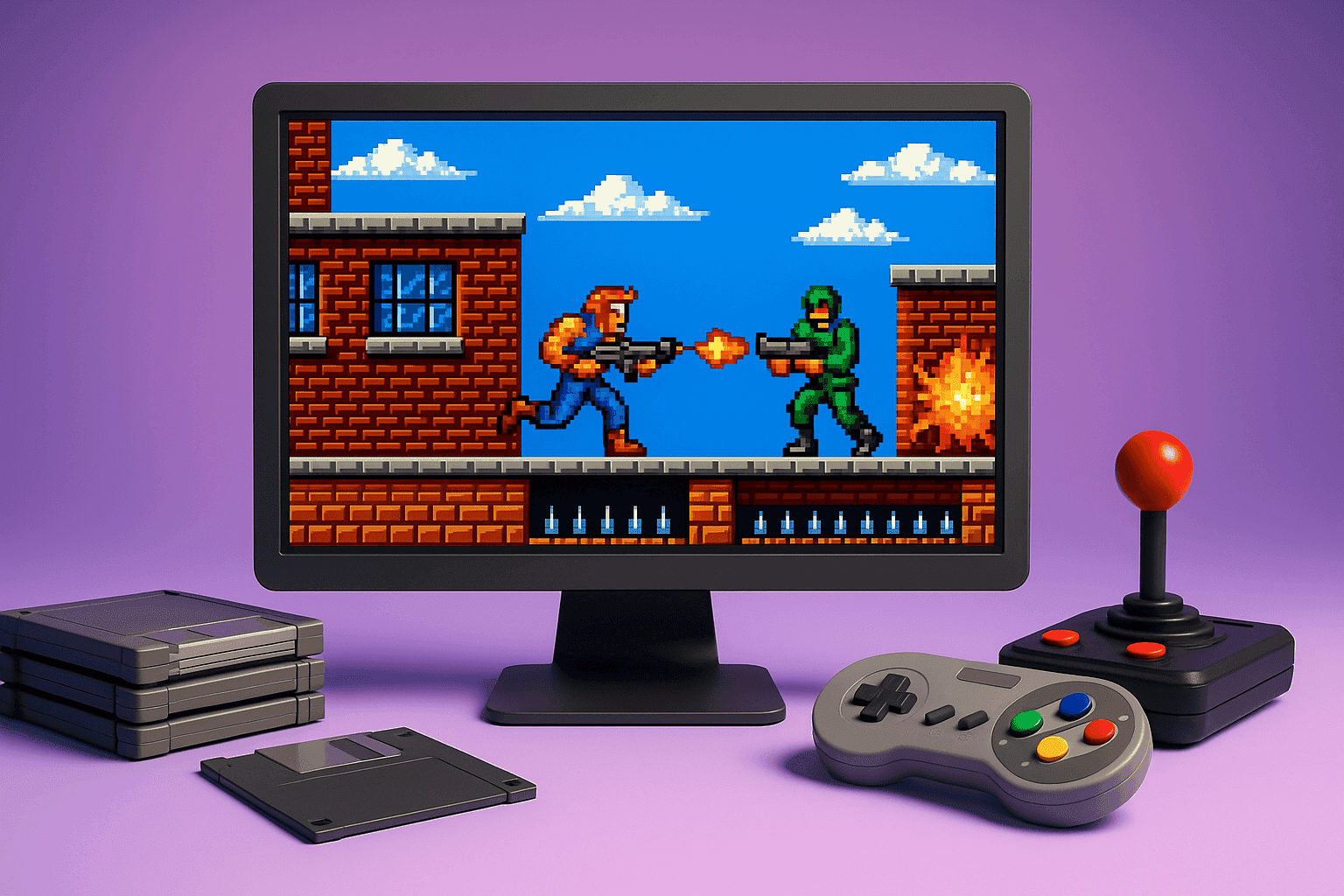
Troubleshooting Common DOSBox Issues
Emulating old software can be tricky, and you might encounter common issues such as sound glitches or display errors. Fear not, solutions are at hand. If you experience poor audio quality, try adjusting the sample rate in the DOSBox configuration file, usually found in the installation directory. For display issues, toggling between full screen and windowed mode can sometimes resolve the problem.
Additionally, if a game refuses to run, check for missing files or incorrect mount paths. Forums and community guides are invaluable resources, offering solutions from seasoned players who have encountered and solved similar challenges.
Begin Your Journey with The Elder Scrolls: Arena and BloodNet
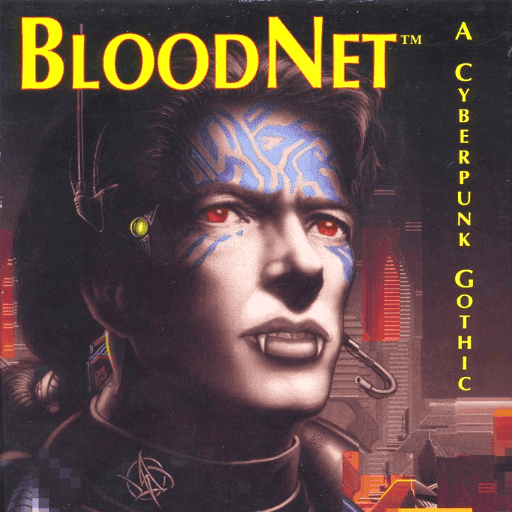
To truly appreciate the breadth of DOS gaming, start with iconic titles like The Elder Scrolls: Arena and BloodNet. These games offer immersive experiences that are as engaging today as they were during their original release. ‘The Elder Scrolls: Arena’ provides a sprawling world full of quests and exploration, while ‘BloodNet’ blends narrative and action in a unique cyberpunk setting.
Both titles are excellent examples of the era’s creativity and innovation, offering hours of gameplay that will reacquaint you with the magic of DOS adventures.
The journey into DOS gaming is an invitation to experience the origins of modern gaming culture. With tools like DOSBox and browser-based emulators, these classics are more accessible than ever. Try out recommended titles, tackle troubleshooting with confidence, and share your newfound adventures with fellow enthusiasts. DOS games await your exploration, offering timeless joy and challenge.
Related articles

Your First Hour in The Legend of Kyrandia: Book 2
Start your journey through Kyrandia with this detailed guide, helping you navigate your first hour without frustration.
How to Play DOOM (DOS) | A Complete Beginners Guide
The original DOOM series has been increasing in popularity ever since. However, in 2025, people are struggling to understand how classic games worked, and that’s why, here’s the perfect DOOM beginner’s guide so that you can thrive.