Playing Retro Games on PC: A Guide to Nostalgia
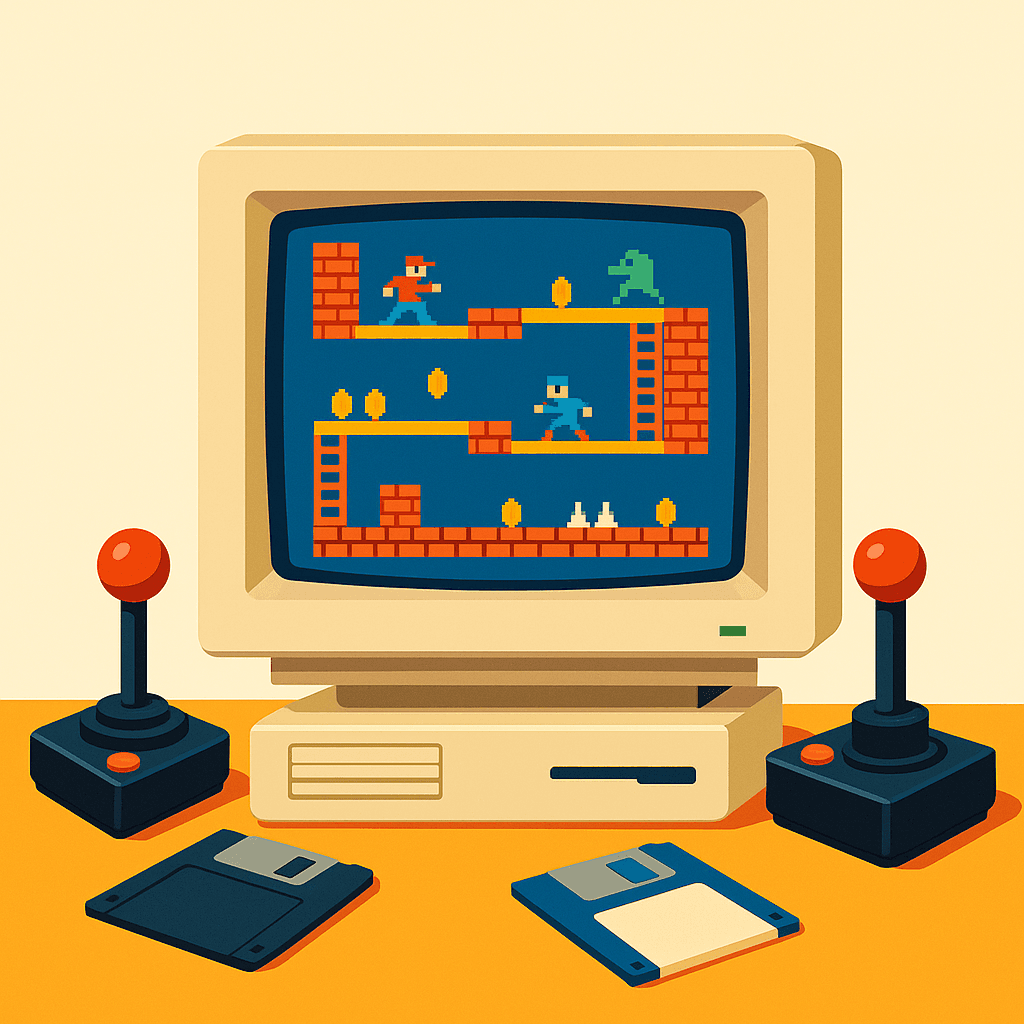
For many, retro gaming offers more than just entertainment; it taps into a wellspring of nostalgia and cherished memories. Whether you’re drawn to the pixelated art or the simplicity of gameplay that characterized the early days of PC gaming, playing retro games on your modern PC can recapture that magical era. Let’s explore how to relive these digital adventures, using the right tools and uncovering the classic titles that still hold their charm today.
Why Retro Gaming Still Captures Our Hearts
Retro gaming is more than just a nod to the past; it’s a celebration of gaming in its most formative years. The appeal lies in the simplicity and creativity required to overcome the technological limitations of the time. Many gamers find joy in the straightforward mechanics and the art of storytelling that doesn’t rely on high-end graphics. The nostalgic pull of revisiting childhood favorites or discovering old gems for the first time continues to captivate a new generation of players.
Choosing the Right Emulator for Your PC
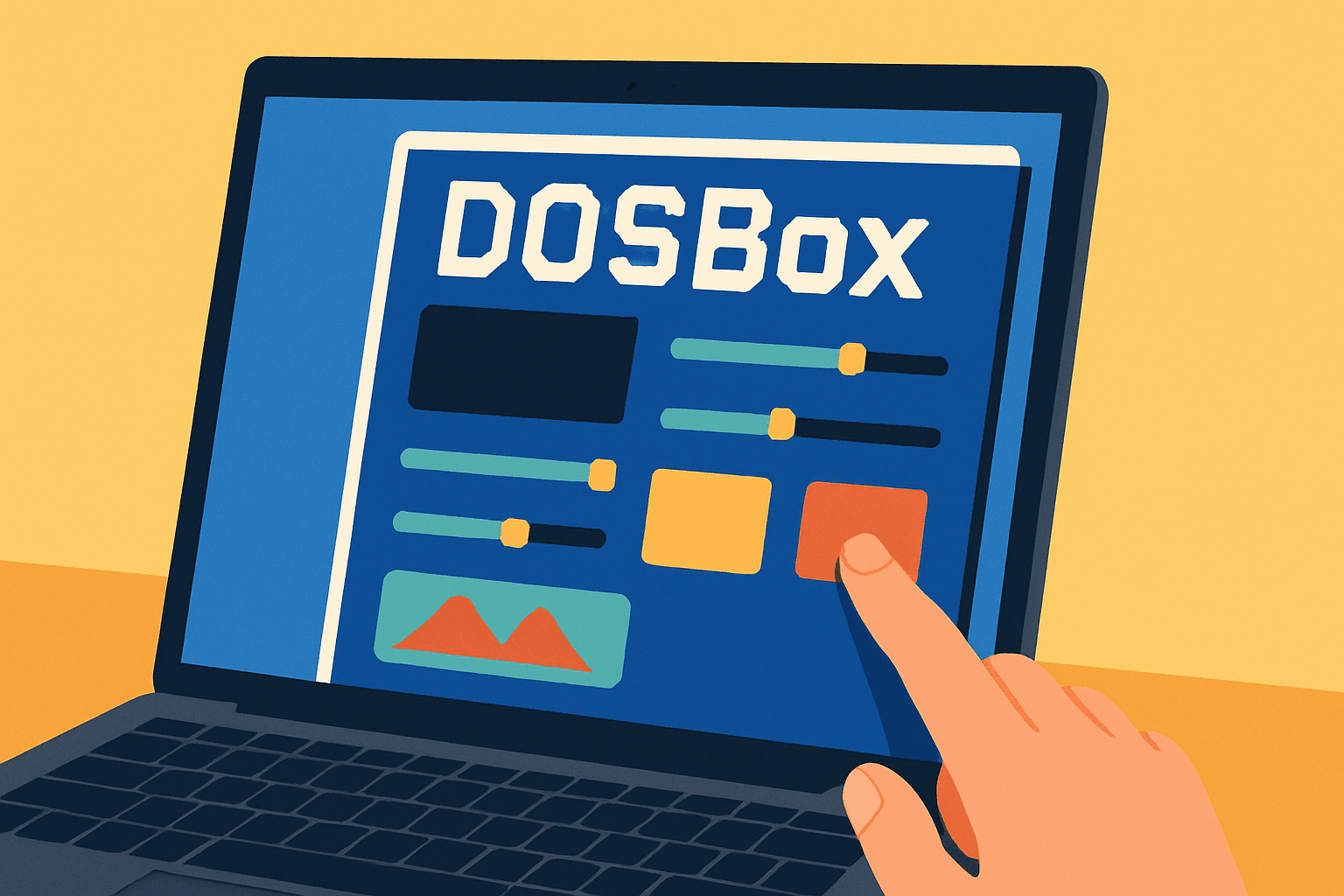
To play nostalgic DOS games on your PC, emulators are indispensable. These programs mimic the environment of older systems, allowing you to run classic software on modern hardware. DOSBox is perhaps the most popular choice for DOS games, providing a comprehensive platform to run a wide array of titles. To start, download DOSBox and follow the installation instructions. You’ll find options to configure the sound, graphics, and controls to better match modern systems, ensuring a smooth gaming experience.
Rediscovering Classic Titles: A Must-Play List
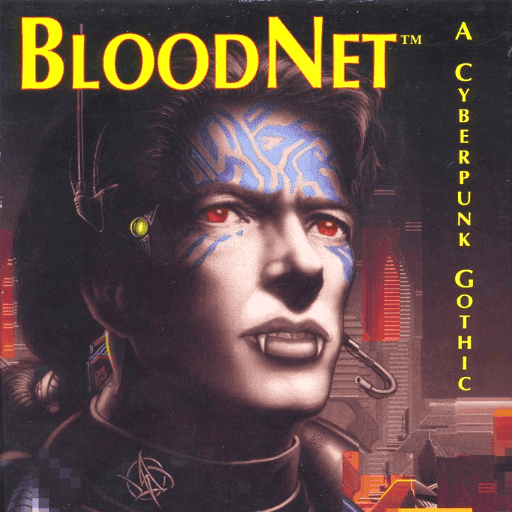
Among the treasure troves of classic DOS games, some titles have remained as engaging today as they were decades ago. BloodNet is a prime example, blending innovative gameplay with a compelling narrative set in a dark, digital realm. This 1993 classic from MicroProse is perfect for those who love a fusion of RPG and adventure genres. Other unforgettable experiences include the platforming adventures of Cool Spot and the vehicular mayhem of Death Rally, each offering unique thrills that have stood the test of time.
Optimizing Your Retro Gaming Setup
Playing retro games on modern PCs can sometimes lead to performance hiccups. To optimize your setup, adjust the CPU cycles and configure the graphical settings within your emulator. For DOSBox users, tweaking the config file allows you to allocate more resources to games, smoothing out potential issues like stuttering sound or graphic glitches. Additionally, using virtual machines or compatibility modes in Windows can enhance performance for particularly stubborn titles.
Navigating the Legal Landscape of Retro Gaming
When diving into the world of Windows abandonware games, it’s crucial to understand the legal considerations. Emulators themselves are legal, but the ROMs—the actual game files—are a gray area. Many older games are considered abandonware, meaning they are no longer sold or supported by their publishers; however, this doesn’t make them automatically free to distribute. Always ensure you possess the original copies or seek out legal versions available on platforms that offer classic collections.
Embracing retro gaming is about more than just playing old games; it’s about reliving a cherished era of creativity and innovation. With the right emulators, a little technical know-how, and a respect for the legal aspects, you can enjoy a smooth journey back to the golden days of DOS gaming. Whether you’re a seasoned veteran or a curious newcomer, these digital adventures await, ready to rekindle the magic of the past.
Related articles
Hidden Jokes and Secrets: The Easter Eggs of DOS Gaming
Explore the quirky and humorous side of MS-DOS games through hidden Easter eggs that showcase the creativity of developers from that era.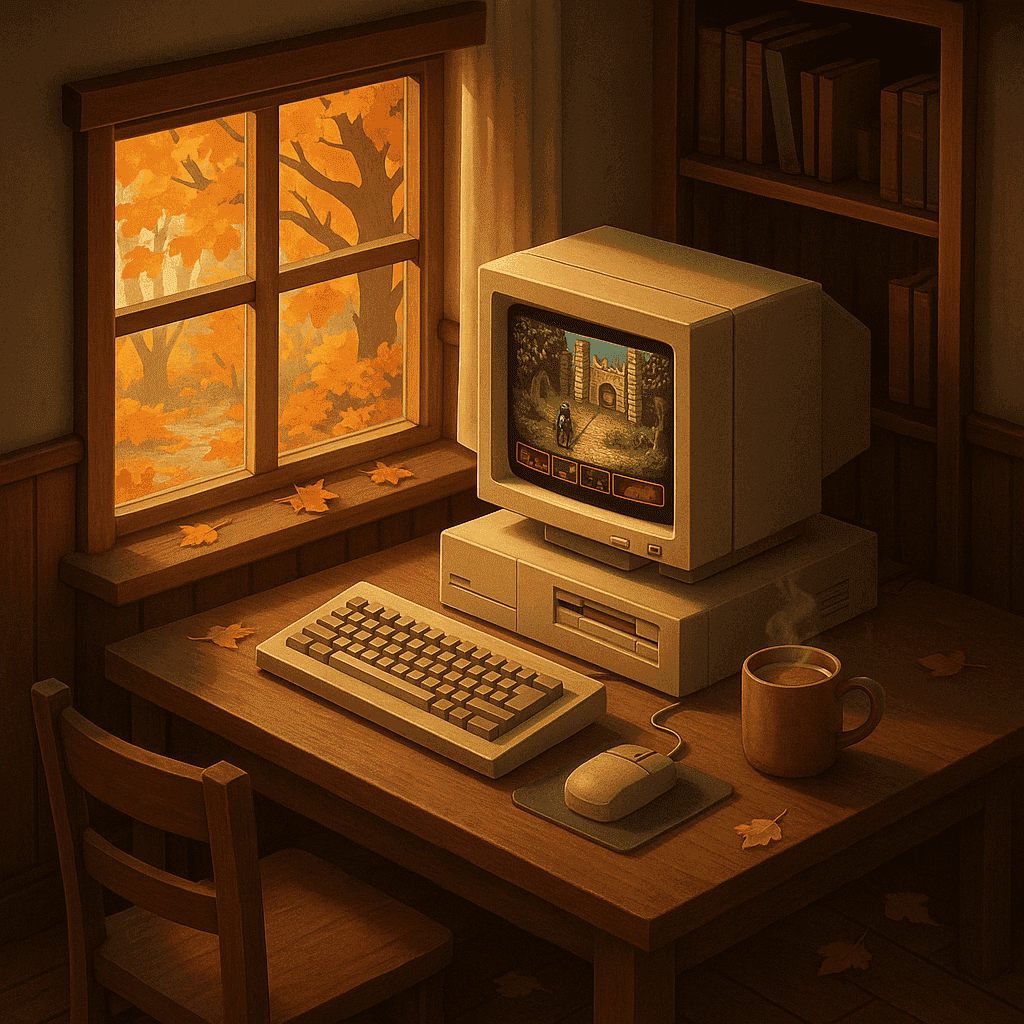
Autumn Adventures: DOS Games to Embrace the Season
Explore classic DOS games that capture the essence of autumn, offering cozy, atmospheric adventures perfect for rainy days and cool nights.