What Is DOOM?
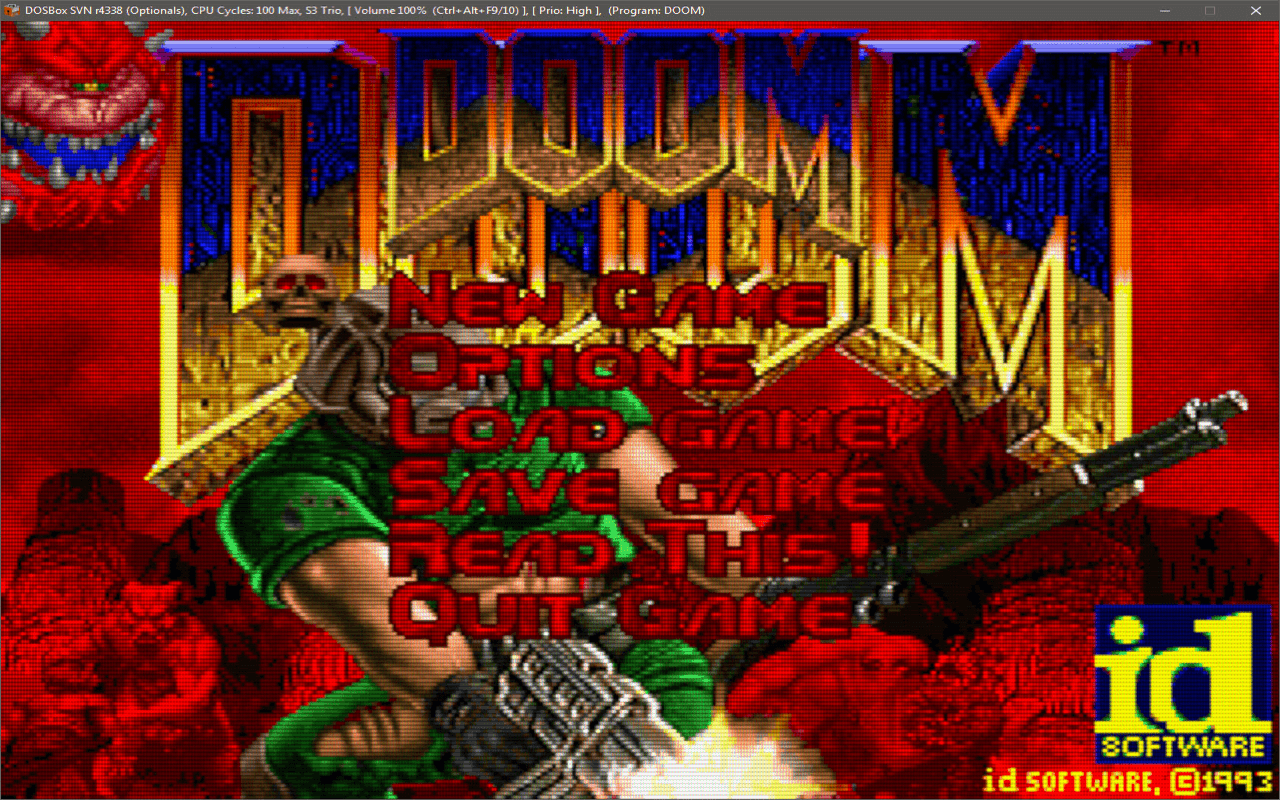
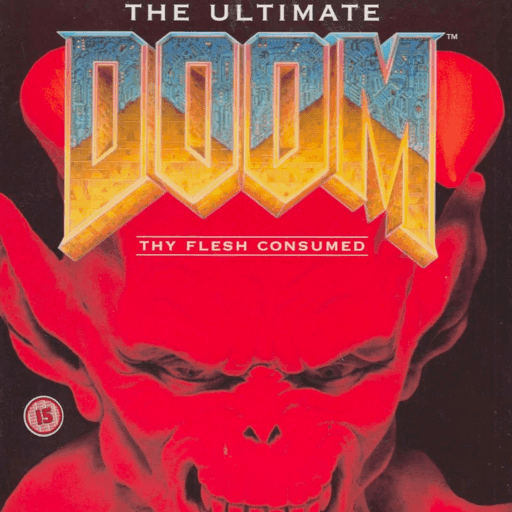
DOOM is a legendary DOS first-person shooter released in 1993 by id Software. It helped define the modern FPS genre with its fast movement, intense combat, maze-like levels, hidden secrets, and memorable arsenal. For many players, the original DOOM remains one of the best retro shooters ever created and one of the most important games in PC gaming history.
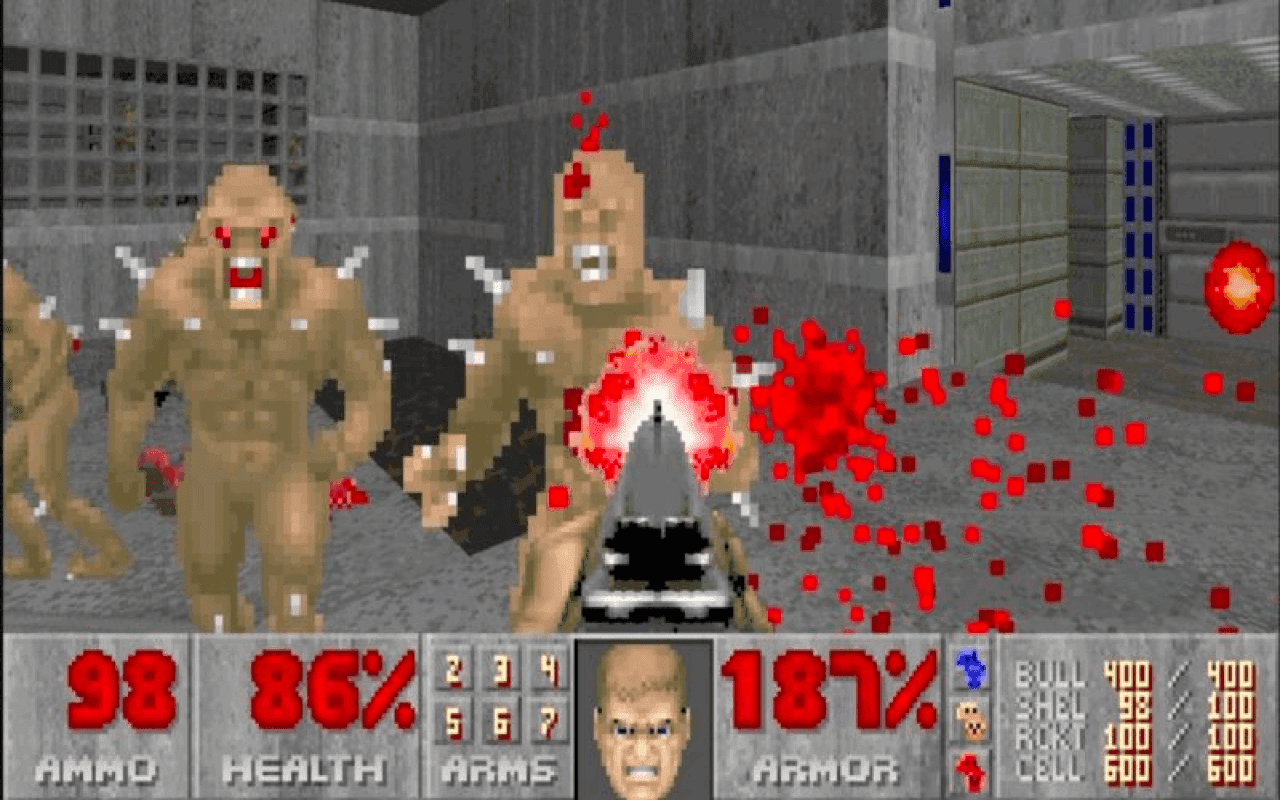
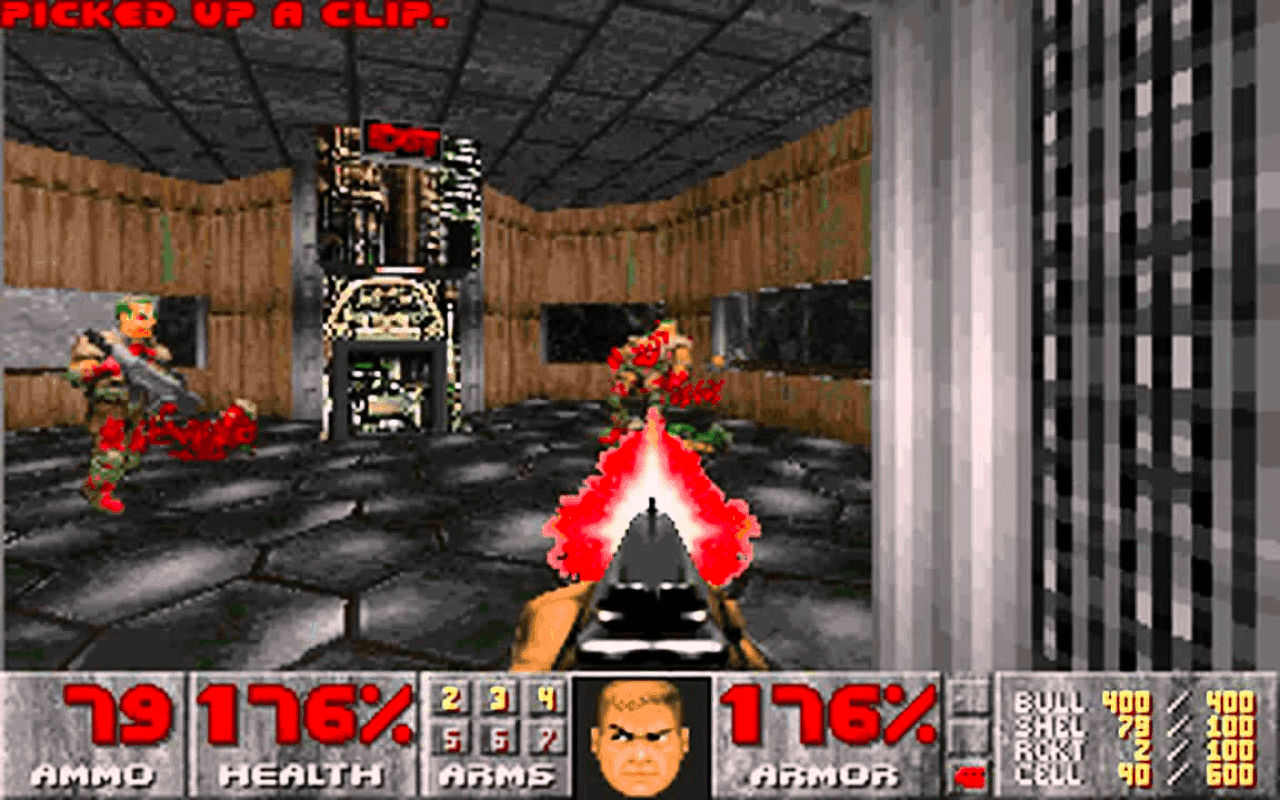
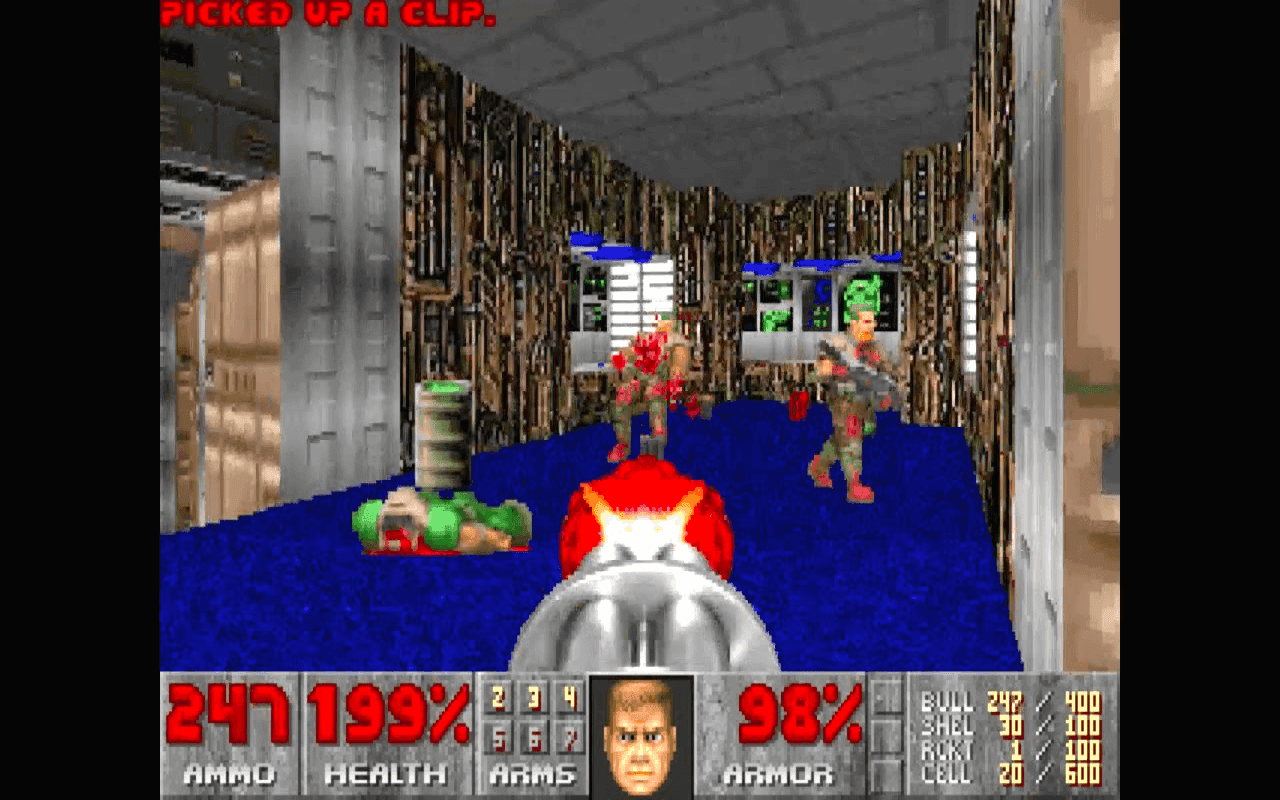
Set on Mars and deep within hellish environments, DOOM puts you in the role of a space marine battling waves of demons with weapons such as the pistol, shotgun, chaingun, rocket launcher, plasma gun, and the famous BFG-9000. Its pacing, atmosphere, and level design still feel satisfying today, which is why so many players continue to search for ways to play DOOM online.
Play the Original DOOM Online
You can play DOOM in browser directly, without installing extra software or hunting for old hardware. The browser version makes it easy to revisit this classic DOS shooter on modern devices while keeping the spirit of the original game alive. Whether you are returning for nostalgia or discovering DOOM for the first time, playing online is a fast and convenient way to experience one of gaming’s greatest classics.
This version is ideal for players looking for classic DOOM online, DOOM DOS online, or simply a quick way to enjoy the original game in a modern browser. The core gameplay remains as addictive as ever: move fast, manage ammo carefully, search for keycards, uncover secrets, and survive overwhelming enemy attacks.
Why DOOM Still Matters
Few games have influenced the industry as much as DOOM. It set a new standard for action, speed, atmosphere, and technical ambition in the early 1990s. Long before modern shooters dominated the market, DOOM showed what a first-person action game could be. Its legacy can still be seen in level design, weapon balance, modding culture, speedrunning, and the overall structure of countless FPS games that followed.
Even today, DOOM stands out because it is easy to start, difficult to master, and endlessly replayable. If you enjoy retro FPS games, classic PC shooters, or landmark DOS titles, DOOM is an essential game to play.
DOOM Gameplay, Weapons, and Enemies
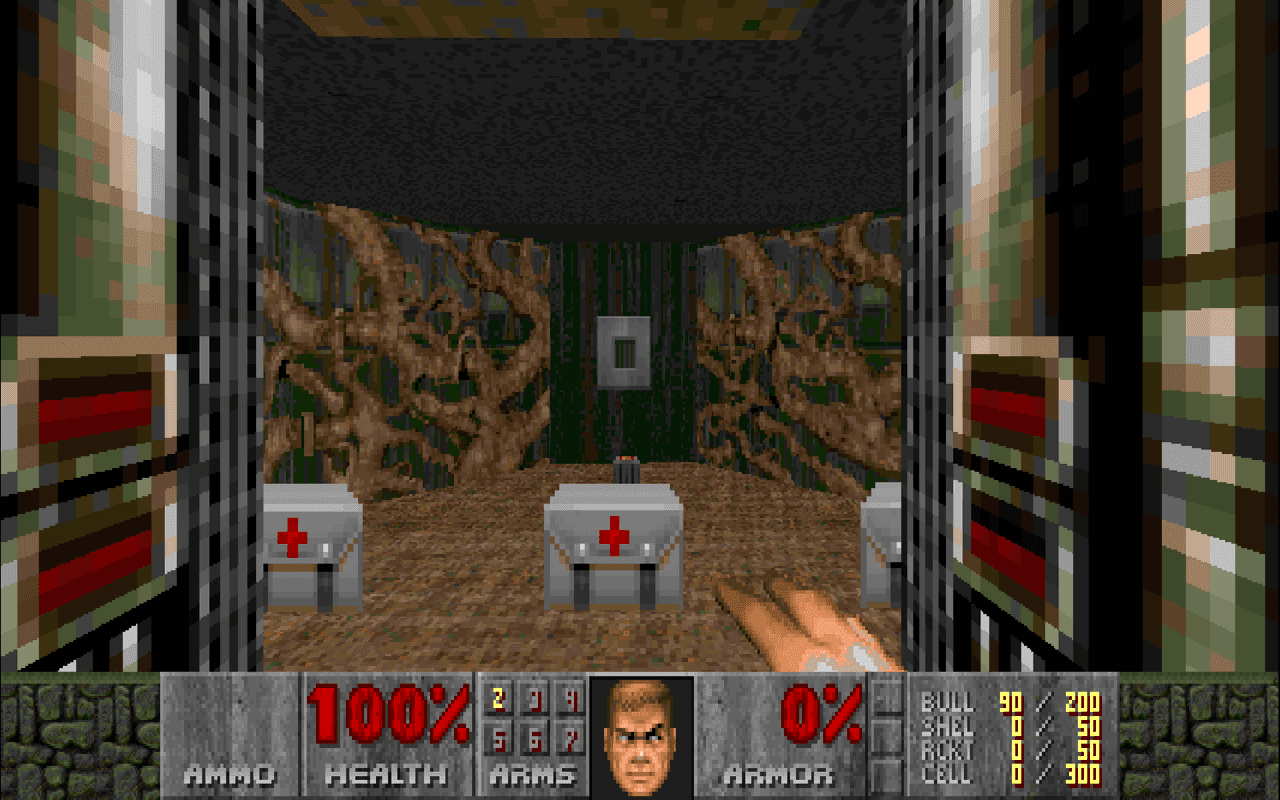
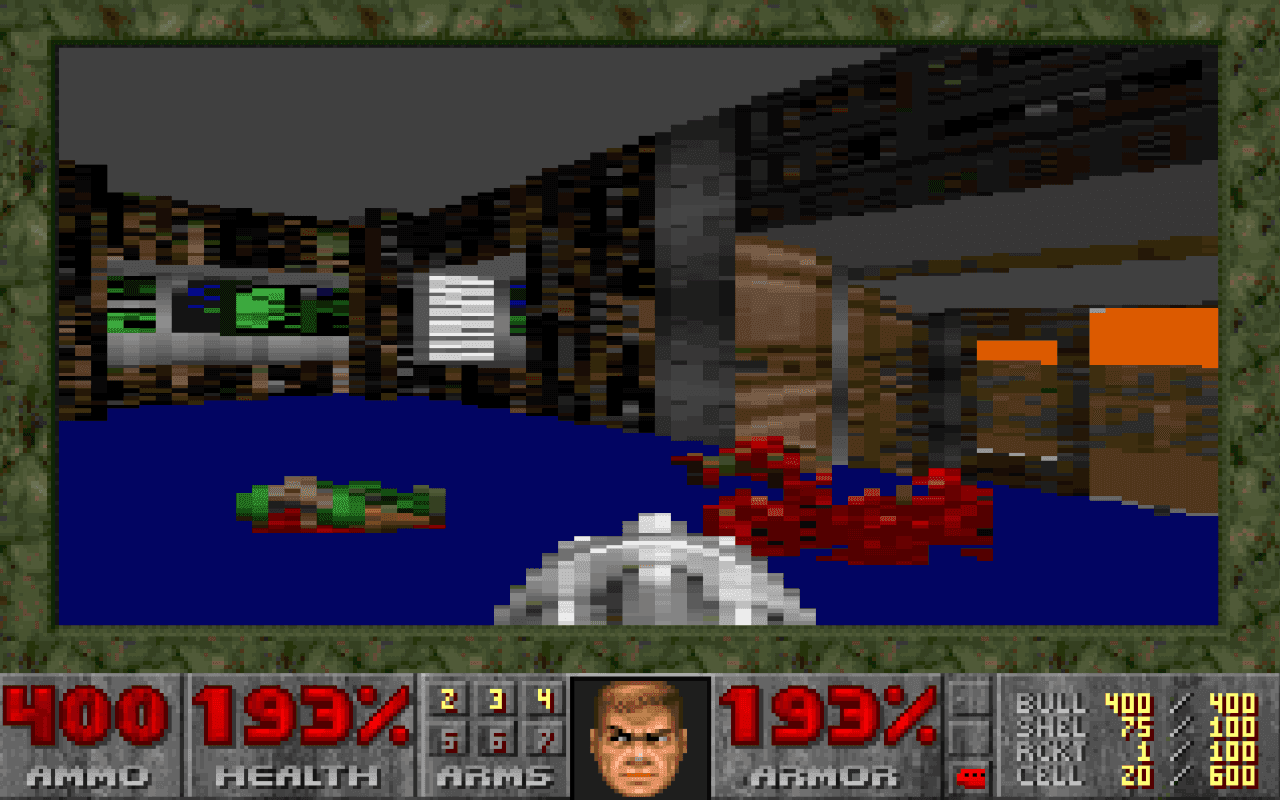
The gameplay in DOOM is built around constant movement, aggressive combat, and exploration. Levels are filled with locked doors, secret rooms, hidden passages, and enemy ambushes that reward careful observation and quick reactions. This mix of action and exploration is one of the reasons the game still feels exciting decades later.
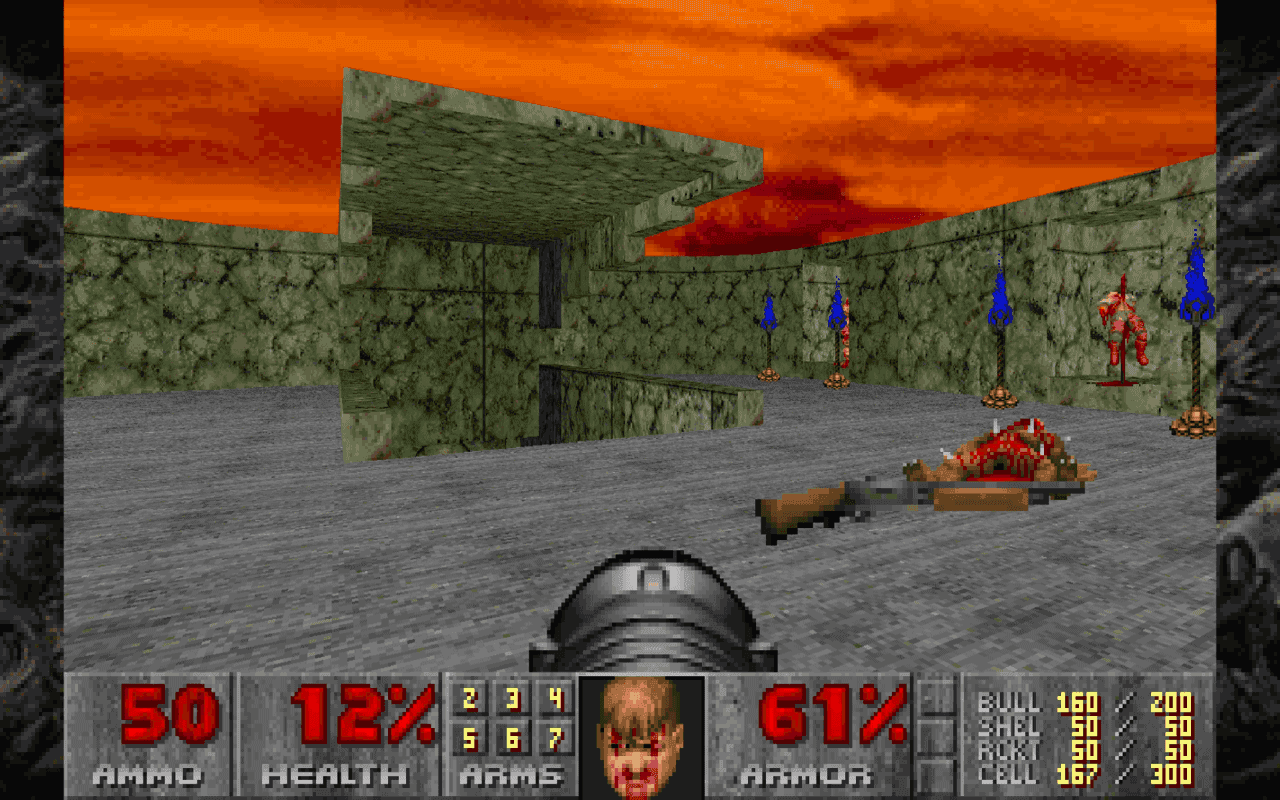
DOOM’s weapon selection is one of its defining strengths. The shotgun is one of the most satisfying weapons in gaming history, while the chaingun, rocket launcher, plasma gun, and BFG-9000 give the player multiple ways to control the battlefield. On the other side are some of the most iconic enemies in gaming, including Imps, Pinky demons, Cacodemons, Barons of Hell, and Cyberdemon.
DOOM Controls and Tips
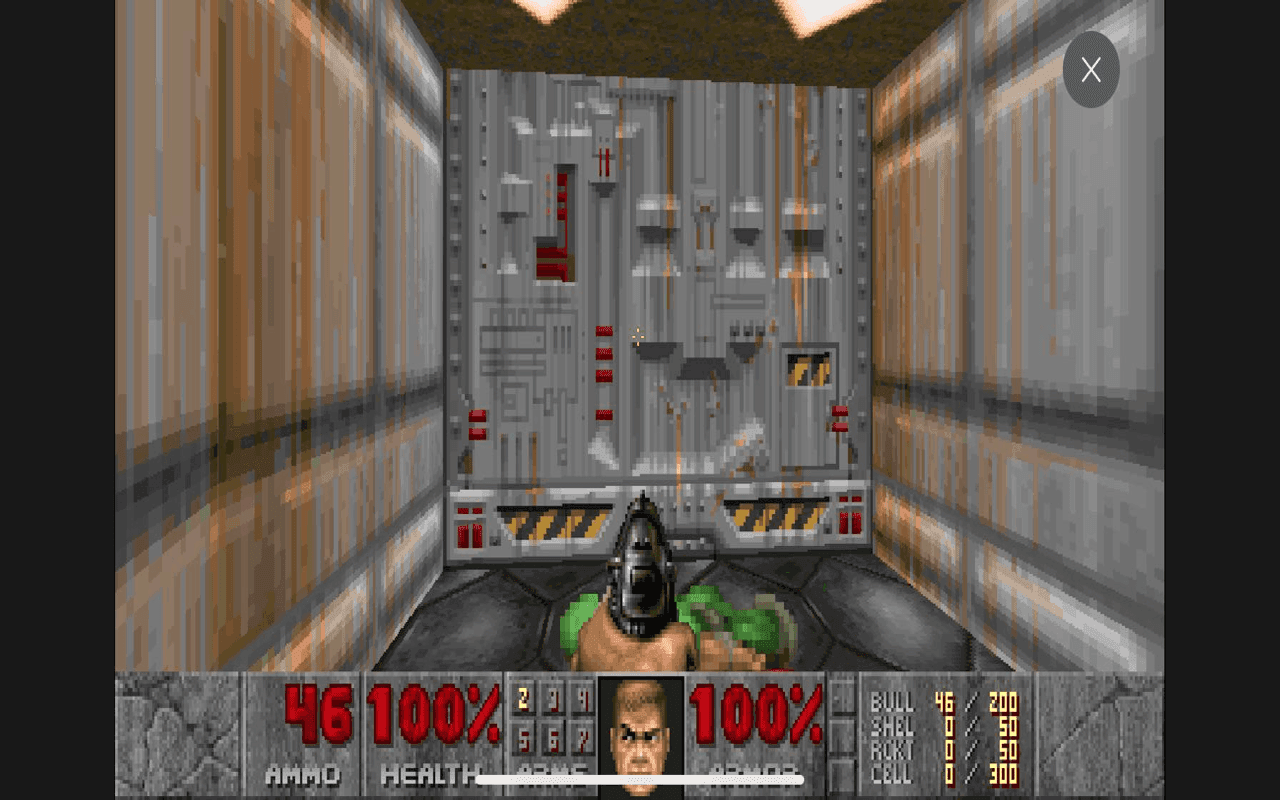
One of the reasons DOOM remains so accessible is its simple and effective control scheme. New players can get comfortable quickly, while experienced players can focus on movement, map awareness, and weapon timing. To perform better in DOOM, keep moving, avoid getting surrounded, watch your health and armor, and save stronger weapons for tougher encounters.
It also pays to search every level carefully. Many maps include hidden rooms, bonus items, extra ammo, and secret shortcuts. Exploring thoroughly makes the game more rewarding and helps you appreciate why DOOM’s level design is still praised today.
Who Should Play DOOM?
DOOM is perfect for players who want to explore the roots of the FPS genre, revisit a true DOS classic, or enjoy a fast and focused action game without modern clutter. If you like old-school shooters, retro PC games, sci-fi horror themes, or influential classics, DOOM deserves a place on your list.
It is also a great choice for players who want a quick browser session without a long tutorial or setup process. Just launch the game and start playing.
More Classic FPS Games to Try
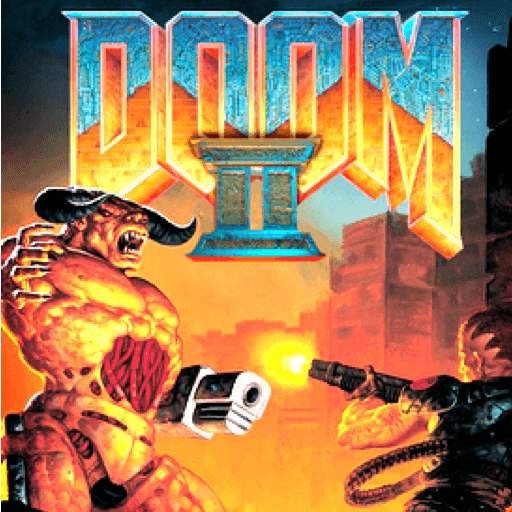
If you enjoy DOOM, you should also explore other classic first-person shooters from the DOS era. Games like DOOM II, Wolfenstein 3D, and Duke Nukem 3D helped shape the history of PC action games and remain popular among retro gaming fans.